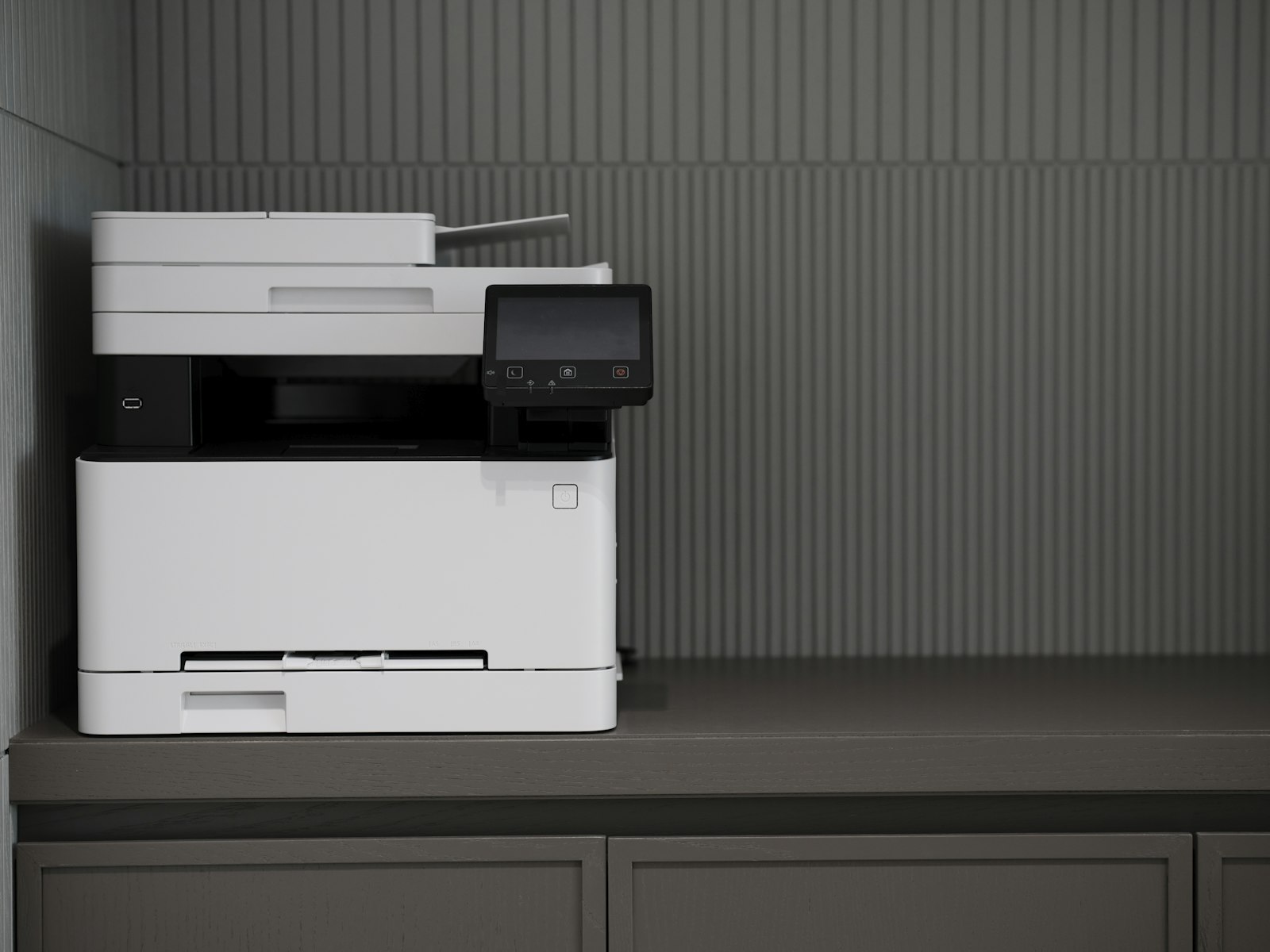
Printers and photocopiers for the documents your business depends on. From a single workstation to a busy shared office, find your starting point, compare the capabilities that matter and ask Sigma Print for a quote.
Everyday printing. Shared-office copying. A clearer buying choice.
Equipment choices shaped around your business.
FIND YOUR STARTING POINT
Everyday output. The right equipment.
Buying for the first time, adding a shared device or replacing equipment? Explore the two ranges around the work you need to get done.
PRINTER SALES
For the documents you produce.
Letters, invoices, reports and customer-facing documents all start with the right output. Explore printers for a workstation or shared team, comparing mono and colour, paper sizes, double-sided printing and connectivity. Include copying and scanning if you want one device to handle more of your work.
Copying forms, preparing document packs or digitising originals? Explore photocopiers around your team’s daily workload. Compare paper capacity, multi-page and two-sided handling, A4 or A3 needs and any printing or scanning functions you want to bring together.
The most useful features are the ones that serve your everyday tasks. Use these common working patterns to build your shortlist.
A solo workstation
Keep everyday letters, invoices and forms close to hand. Start with the output you need, a comfortable desktop footprint and a connection that works with your computer.
Compare: mono or colour, A4 paper handling, double-sided printing and whether you also need to copy or scan.
Give your team a common point for everyday documents. Think about how many people will use it, when demand is busiest and how printing, copying and scanning fit together.
Compare: network connections, paper capacity, multi-page document handling and suitable output speed.
Frequent reports, multi-page packs and copying jobs call for a closer look at capacity. Map your typical monthly workload and peak batches before choosing equipment.
Compare: recommended print volume, paper trays, automatic document feeders, two-sided handling and A3 requirements.
Balance the output you need with the way your office works. These are the capabilities worth discussing when comparing equipment.
Capacity for your working day.
Compare output speed, recommended monthly print volume and paper-tray capacity against your normal workload and busy periods. A quick occasional job and a regular batch of reports need different priorities.
The functions you will actually use.
Look at mono or colour, A4 or A3, automatic double-sided printing and copying. For multi-page originals, compare document-feeder capacity and one- or two-sided scanning rather than checking only whether a device can scan.
A practical fit for your office.
Compare dimensions, access to paper trays and the connections you need: USB, wired network or wireless. Check support for your computers and any scan destinations, such as email or a shared folder, that matter to your team.
Features and availability vary by model; confirm during enquiry.
A SIMPLE NEXT STEP
From your requirements to a quote.
01
Consultation: tell us how you work
Share your usual print or copy volume, number of users, paper sizes and the tasks you want the equipment to handle. Include what you would change about your current setup.
02
Comparison: focus on suitable equipment
Compare the capabilities that matter to you, from colour and paper handling to scanning and connections. Separate essential functions from useful extras to make the choice clearer.
03
Quotation: review your chosen option
Request a quote for the equipment you are considering. Review the exact model, configuration and what is included before making your buying decision.
Your selection is included when you open the enquiry page.
COMMON QUESTIONS
Your print equipment questions.
Clear answers to help you take the next step.
Should I choose a printer or a photocopier?
Start with your main task. A printer is a useful starting point for everyday output; a photocopier is worth exploring when copying and handling shared office documents are central to your work. Functions can overlap, so compare the print, copy and scan capabilities you need rather than the equipment name alone.
Is mono or colour the better choice?
Mono is a practical option for text-led documents such as letters, forms and invoices. Colour is useful when charts, images or customer-facing documents rely on visual detail. Consider how often you genuinely need colour and which documents your team produces most.
Do I need A4 or A3 equipment?
A4 suits many everyday office documents. Consider A3 if you regularly print or copy larger spreadsheets, diagrams or layouts. List the sizes you need for both originals and finished output so the paper-handling options can be compared accurately.
What should I look for if I need scanning?
For occasional single pages, a flatbed may be enough. For batches, compare automatic document feeders, two-sided scanning and supported file formats. Also identify where scans need to go, such as your computer, email or a shared folder, and have the chosen equipment’s compatibility checked.
Can I enquire about replacing an existing device?
Yes. Share your current device’s details, approximate monthly workload and what you want to improve: capacity, colour, paper sizes, scanning or space. This gives the comparison a useful starting point without assuming a like-for-like replacement is the best fit.
What information helps you prepare a quotation?
Include the equipment type, number of users, estimated print or copy volume, mono or colour needs, paper sizes and any essential scanning or connection requirements. If you have a preferred buying timeframe or budget, include those too. The quotation should identify the selected model, its relevant specifications and what is included for you to review.
YOUR NEXT STEP WITH SIGMA PRINT
Let’s talk about what you need.
Start with your priorities. We’ll help you explore the next step.